Functions 1 to 15
01The access code is shown once when you create the invitation and is then stored scrambled, so nobody can read it back.
02Every guest, even on View only, can raise and answer tasks and RFIs.
03A guest with Can edit saves into the project, and each change is recorded under their name.
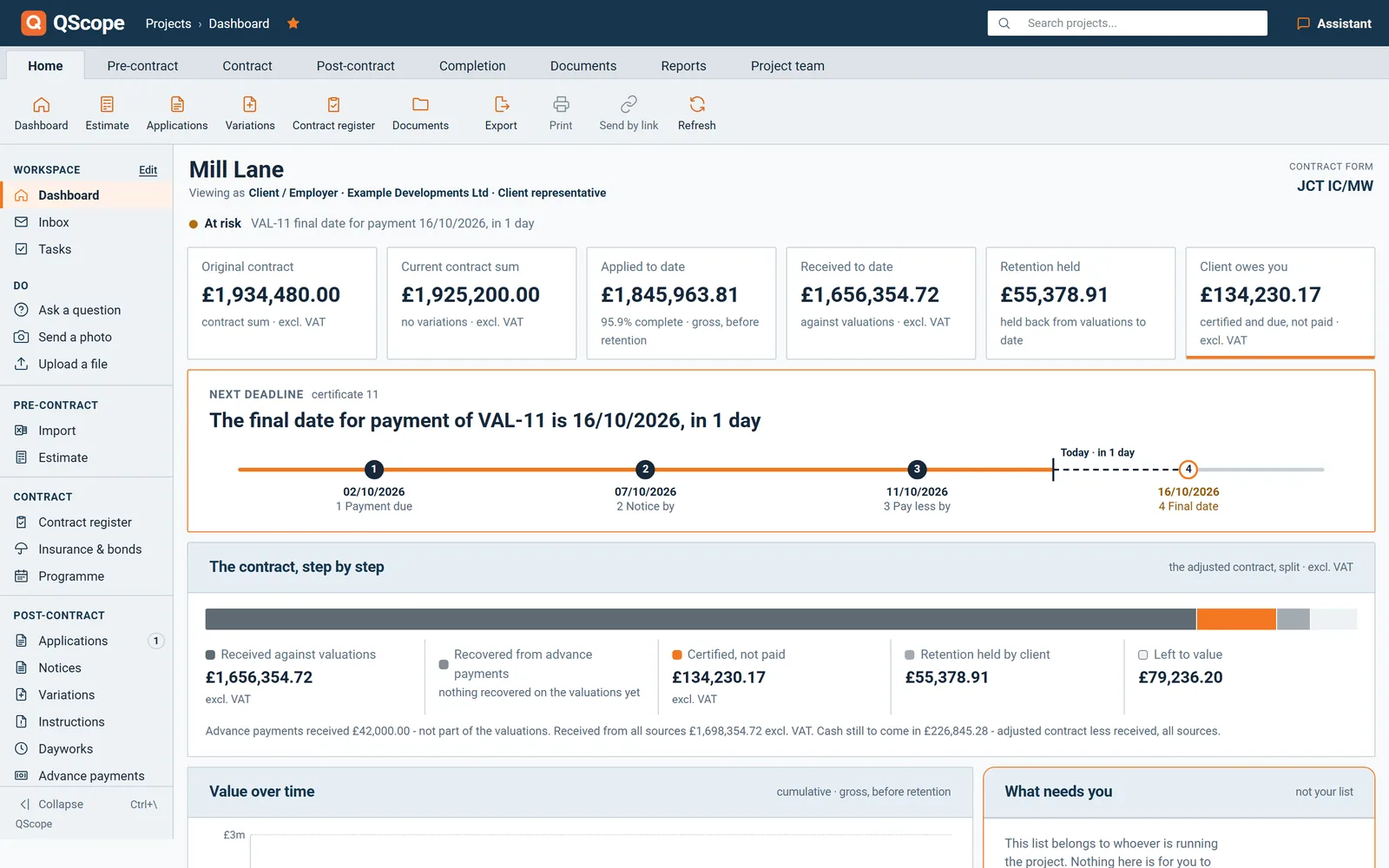
04A guest gets a short menu: Ask a question, Send a photo, Upload a file and To approve.
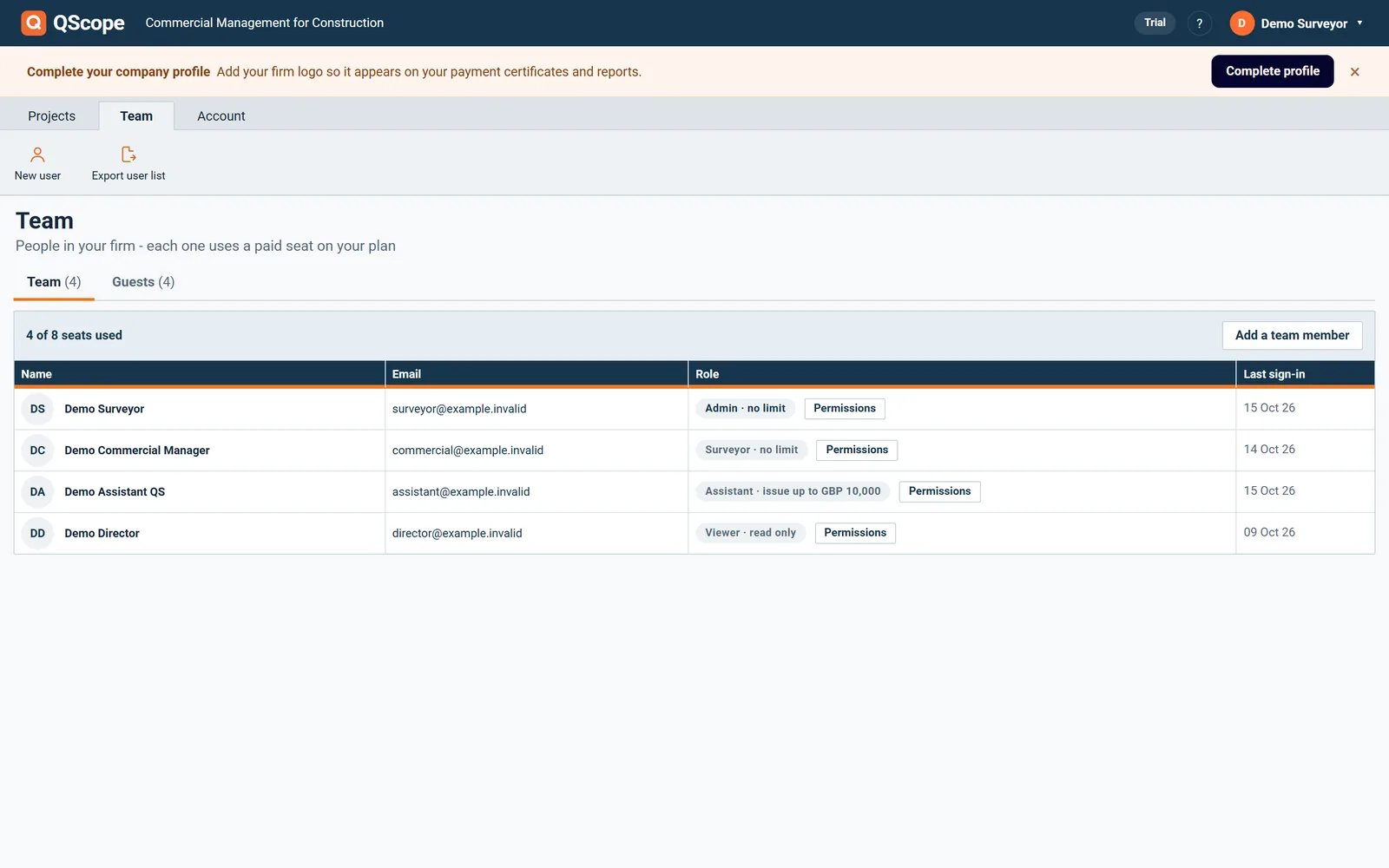
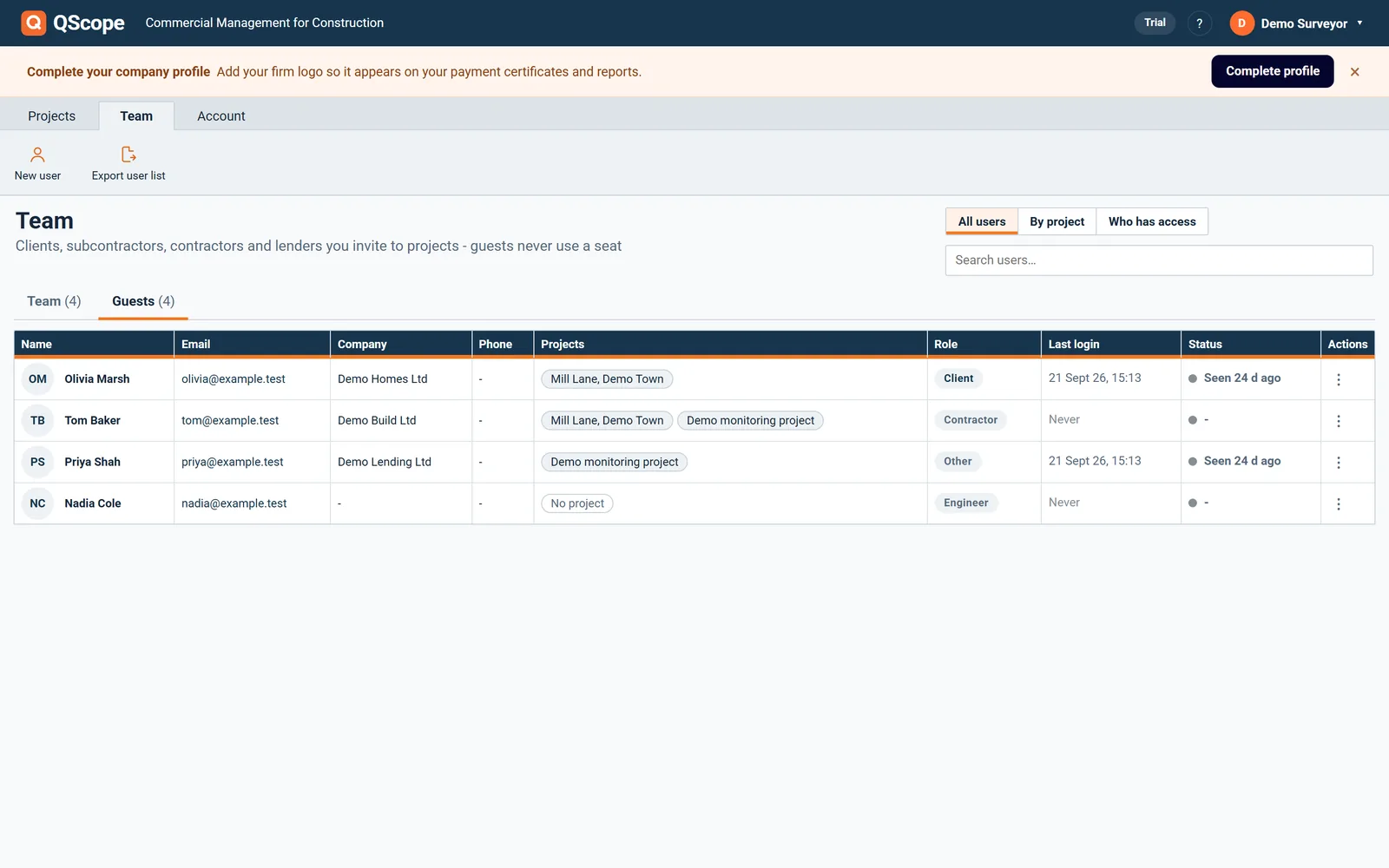
05The Team screen lists everyone on your account with company, phone, number of projects, last login and status.
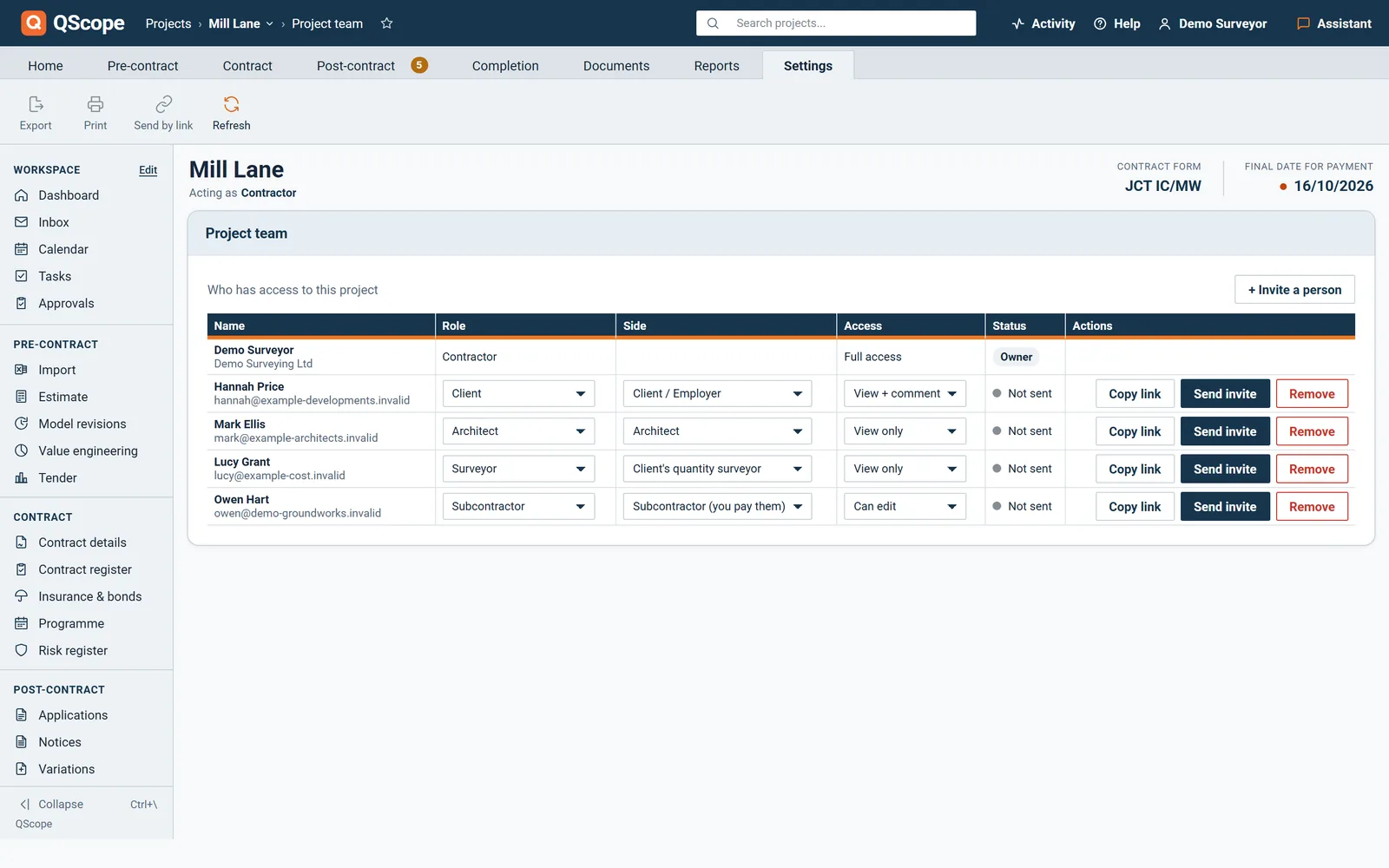
06Add a person once with name, email, company and phone, then give them access to as many projects as you need.
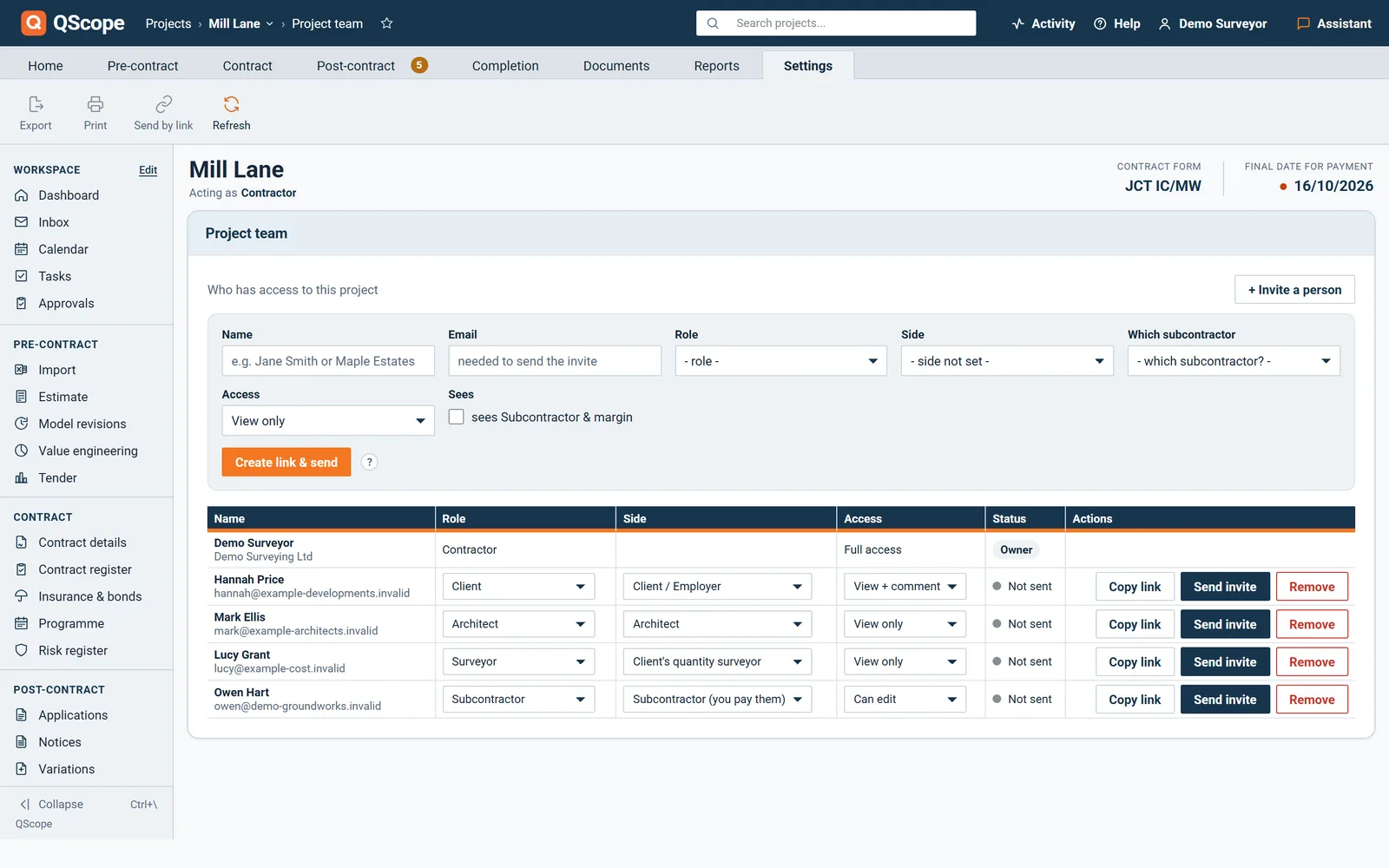
07Set one access level per project for each person and copy the invitation with link and code in one click.
08See your people as one list, grouped by project, or project by project under Who has access.
09From Who has access you can change a level, resend an invitation or remove someone from one project only.
10Export the user list to CSV.
11Once the link exists you can email it, send it again or withdraw it, with the addresses of people on the project offered.
12On a payment notice or pay less notice the other party can put their own figure against each line, and the lines must add up to the amount they declare.
13On a contract the other party can also ask you a question, and once both sides accept, the contract is concluded and locked.
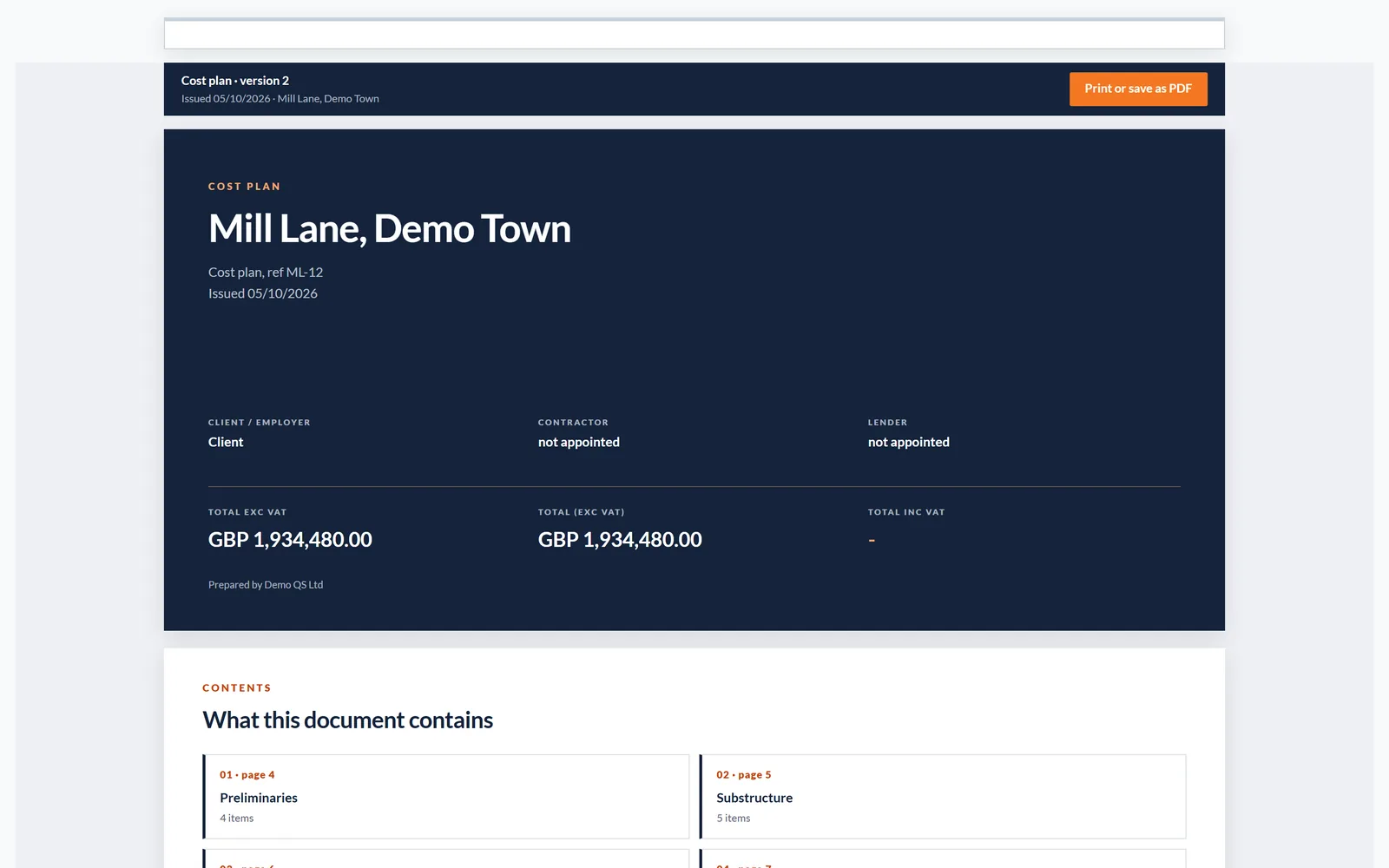
14A cost plan sent by link is cut to the recipient's side, full prices for the client and only their own package for a subcontractor.
15A subcontractor guest must be tied to one package, and until you pick it their link carries no figures at all.
Functions 16 to 30
16Under each guest QScope says in one sentence what that person will receive.
17Send invite emails the link and the code, and the card remembers when and where the last invitation went.
18Sending an invitation again issues a new code and the old one stops working, and QScope asks before it does that.
19After repeated wrong codes the invitation is locked for a while and the guest is told who to ask.
20A guest who types a code from an older email is told that a newer invitation replaced it.
21Every wrong code is recorded in the project's activity, so guessing does not go unnoticed.
22A guest never sees the audit trail or the project settings, and the header states their access level.
23Guests can print the client reports, but notices, retention release and the final account agreement stay with you.
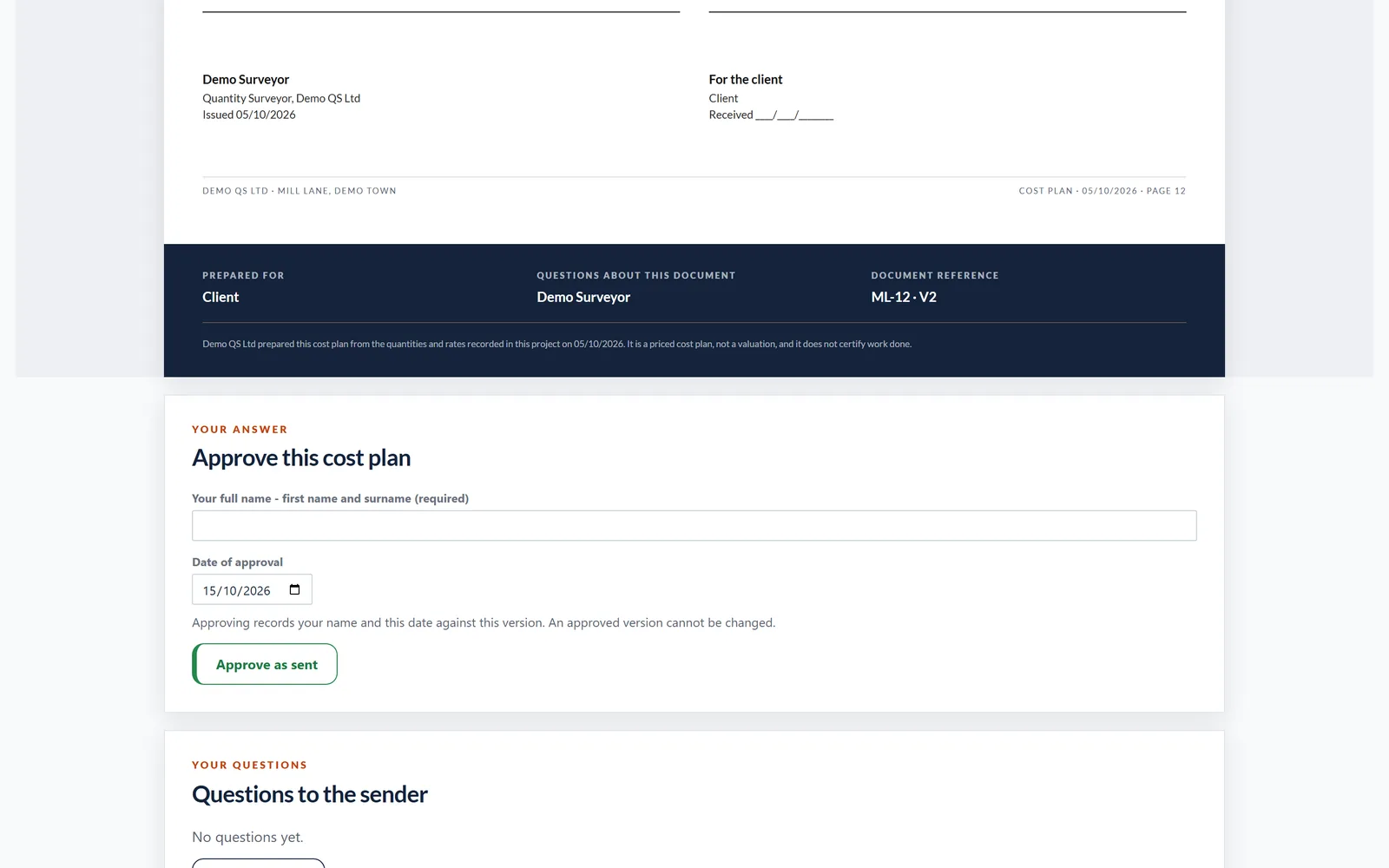
24The Team screen shows who is online now and when each person was last seen.
25The recipient gets an email titled with the document number and the project, for example VAL-04 for your review.
26If a valuation went out without payment dates, the page says so and leaves only agreeing and asking a question.
27When the other party answers you get an email, for example VAL-04 agreed, with a button that opens the document.
28Their answer appears on your valuation with their amount and basis, and you can issue the certificate on their figures or on yours.
29If the date for a payment notice passes with no notice, the valuation says the sum was not challenged in time.
30A withdrawn, expired or replaced link tells the person exactly that instead of opening the document.